Stickity
Clear visual communication for classrooms, built right into the browser.
Stickity is a Chrome extension filled with pre-designed graphics, visual cues, GIFs, timers, language supports, and classroom tools teachers can use anywhere they're already building.
I created Stickity after years of making these kinds of visual supports for my own students. The basic idea was simple: teachers shouldn't need to become designers to make information easier for students to understand.
Stickity gives them the pieces.
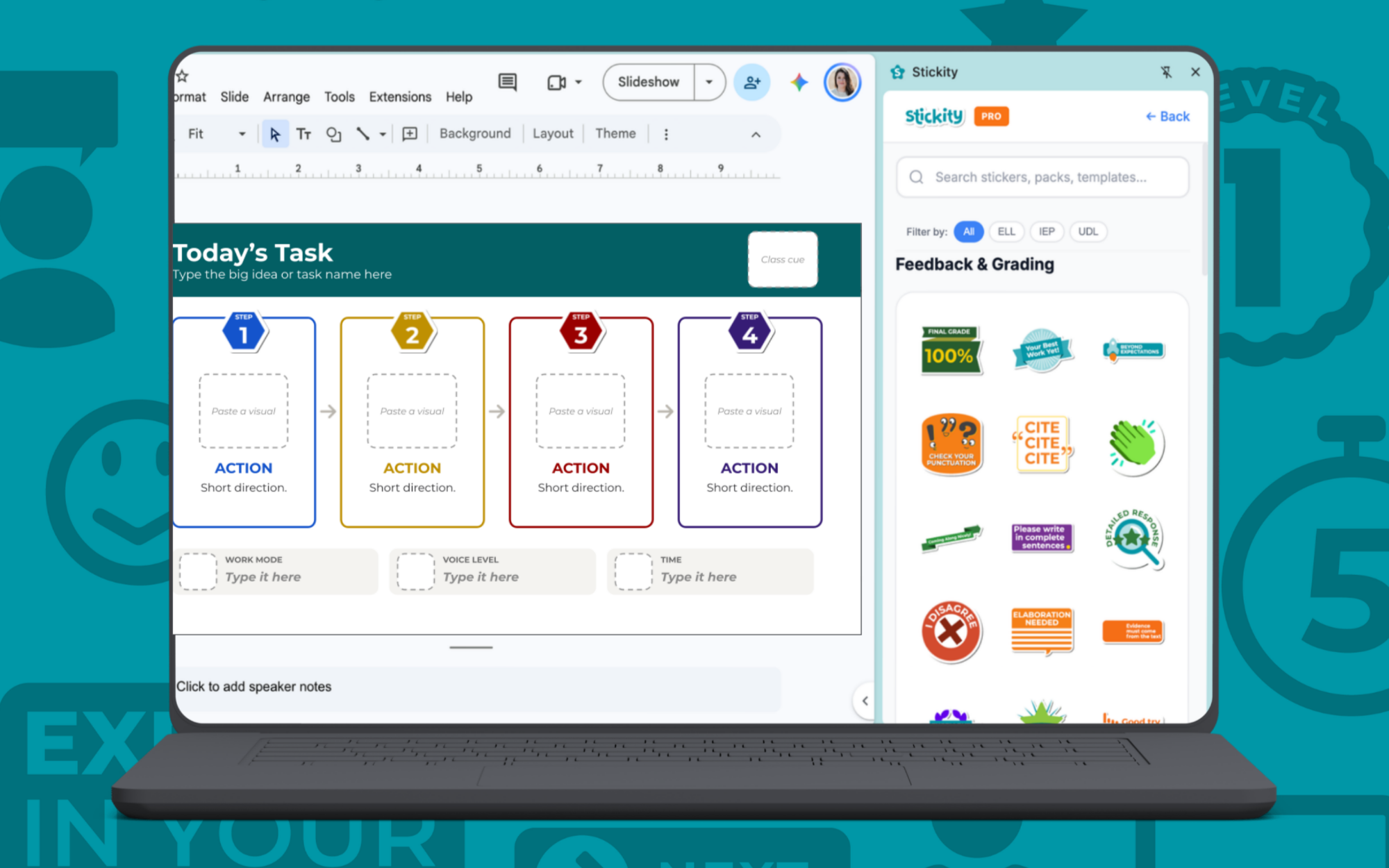
It lives where teachers already work.
Find Stickity in the Chrome Web Store, click Add to Chrome, and you're set.
There's no additional platform to learn and no separate place to build. Stickity lives in the browser, so if you can insert an image into what you're making, you can use it.
The library includes the things teachers reach for constantly when building classroom materials: directions, expectations, content supports, buttons, steps, timers, feedback, language supports, and more.
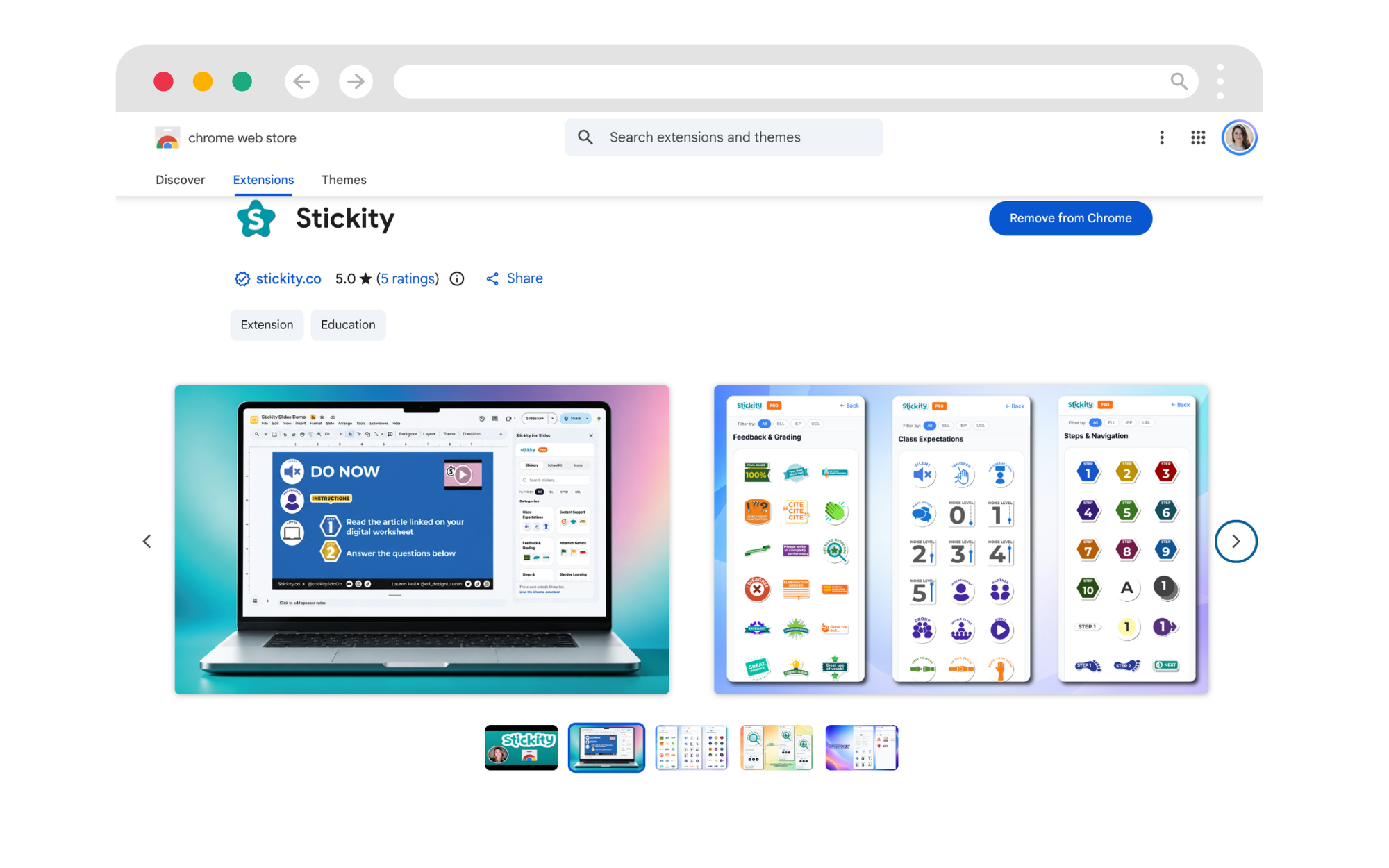
Stickity sticker library




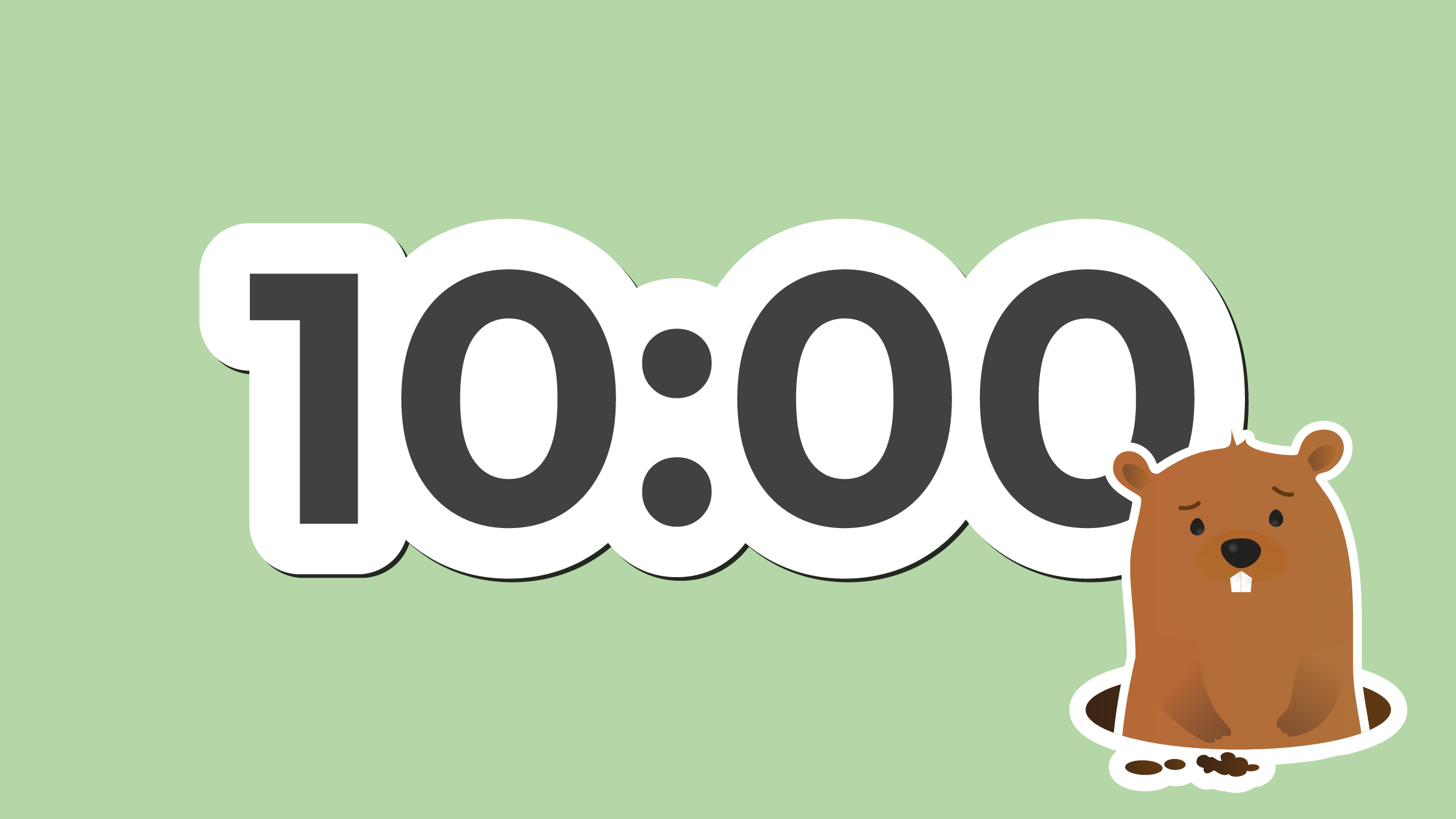



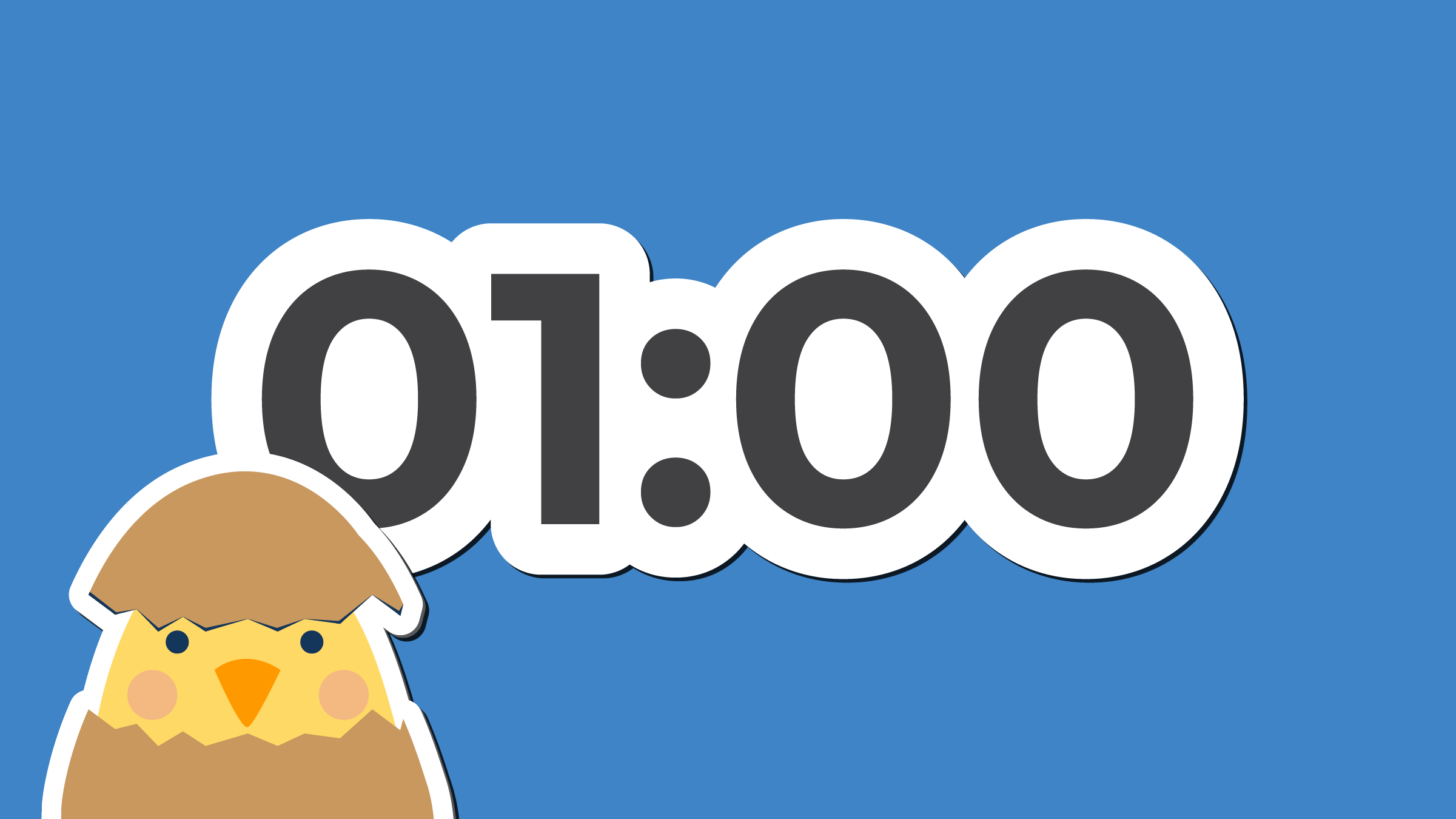



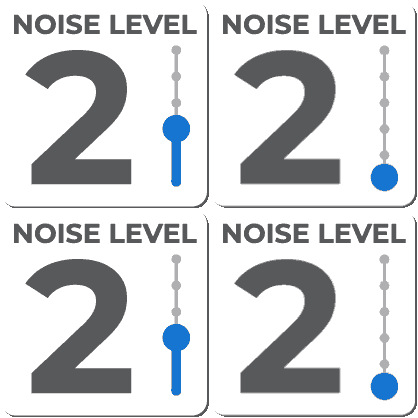
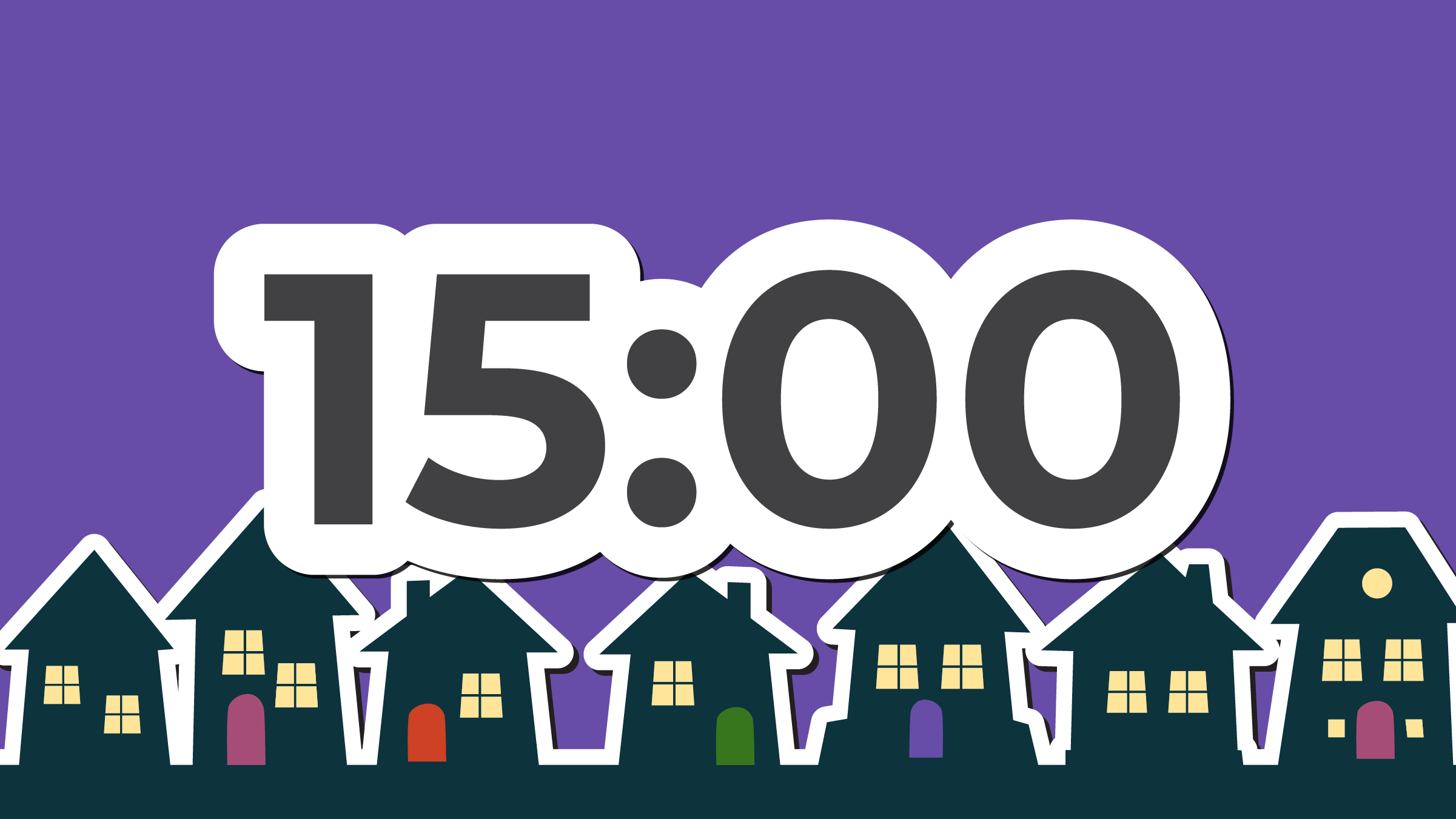







Accessibility wasn't an add-on.
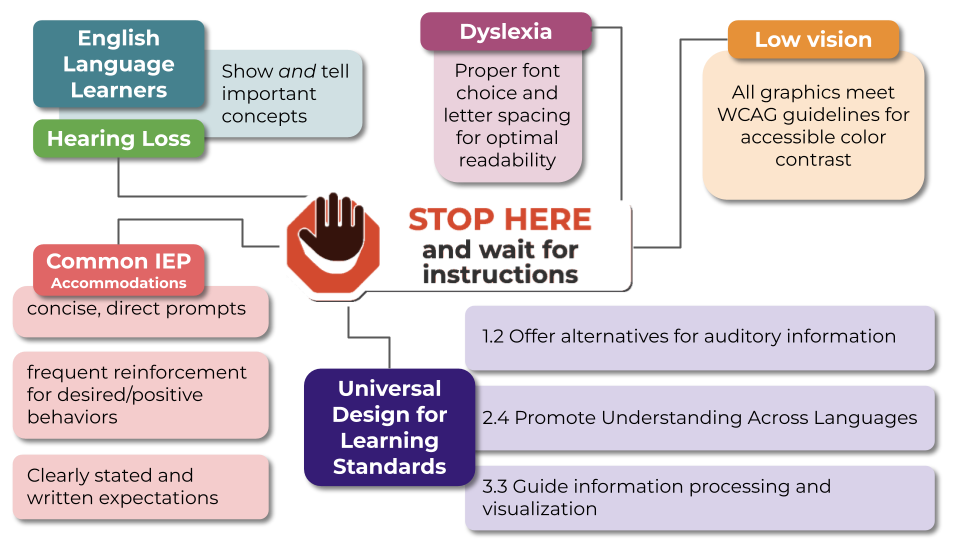
Every sticker in Stickity was designed with accessibility in mind.
That means predictable icons, strong contrast, clear directional cues, visual scaffolds that can reduce cognitive load, and built-in alt text.
For teachers, the goal is pretty great: accommodate by default.
Instead of adding another compliance checklist to an already full plate, the visual support is built into the thing they were going to use anyway.
Make it yours in seconds.
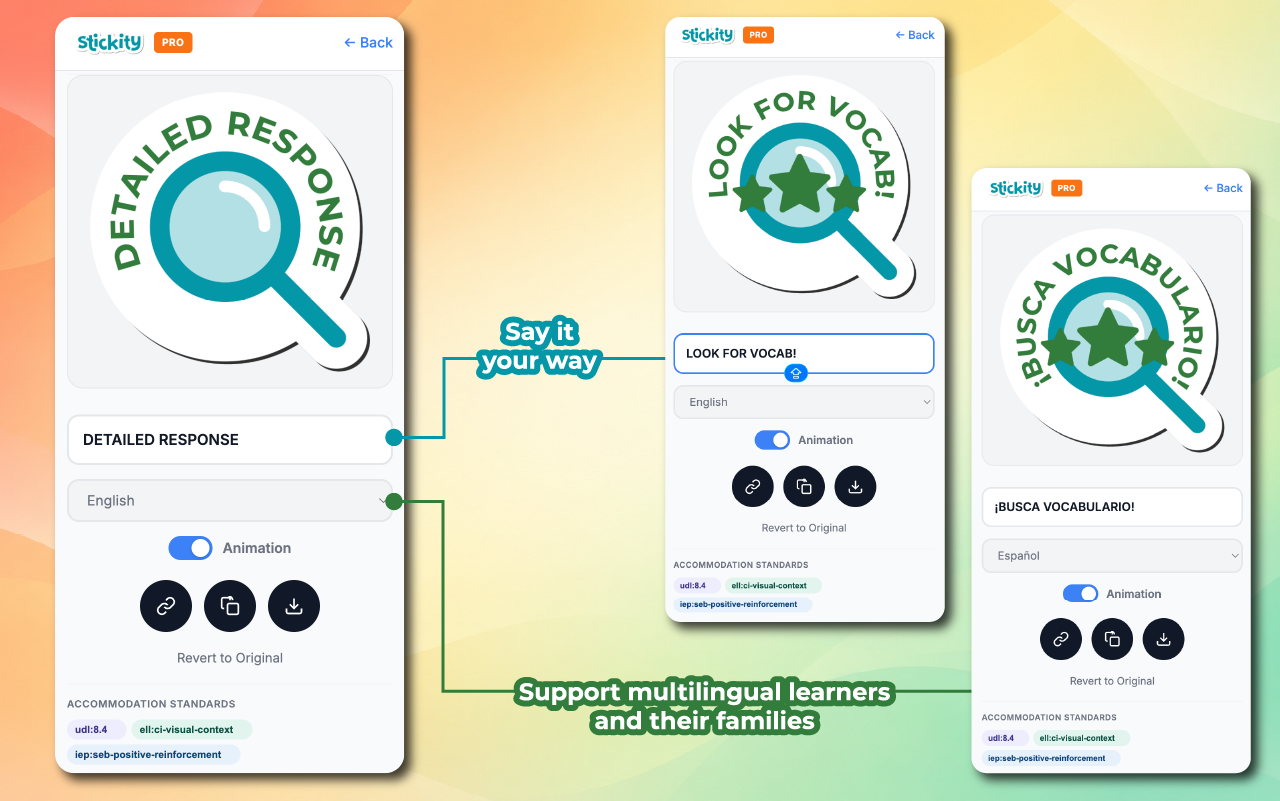
A visual support is only useful if it actually says what the teacher needs it to say.
Editable Stickity graphics let teachers change text quickly instead of wasting time reformatting something that almost works. Built-in translation makes it easier to adapt those same supports across languages.
Give them the brush, not the whole painting.
Stickity was intentionally designed as a library of parts and pieces rather than finished classroom materials.
Teachers know their students, their content, and what they're trying to communicate. They don't need another platform telling them how the finished product should look.
They need good building blocks.
Stickity gives teachers consistent, accessible visual pieces they can combine with their own content, their own voice, and the tools they already use.
Clear, consistent communication that works for more students without making teachers work harder.